logo
bird
bird
bird
Designed for trusted, one-to-one communication

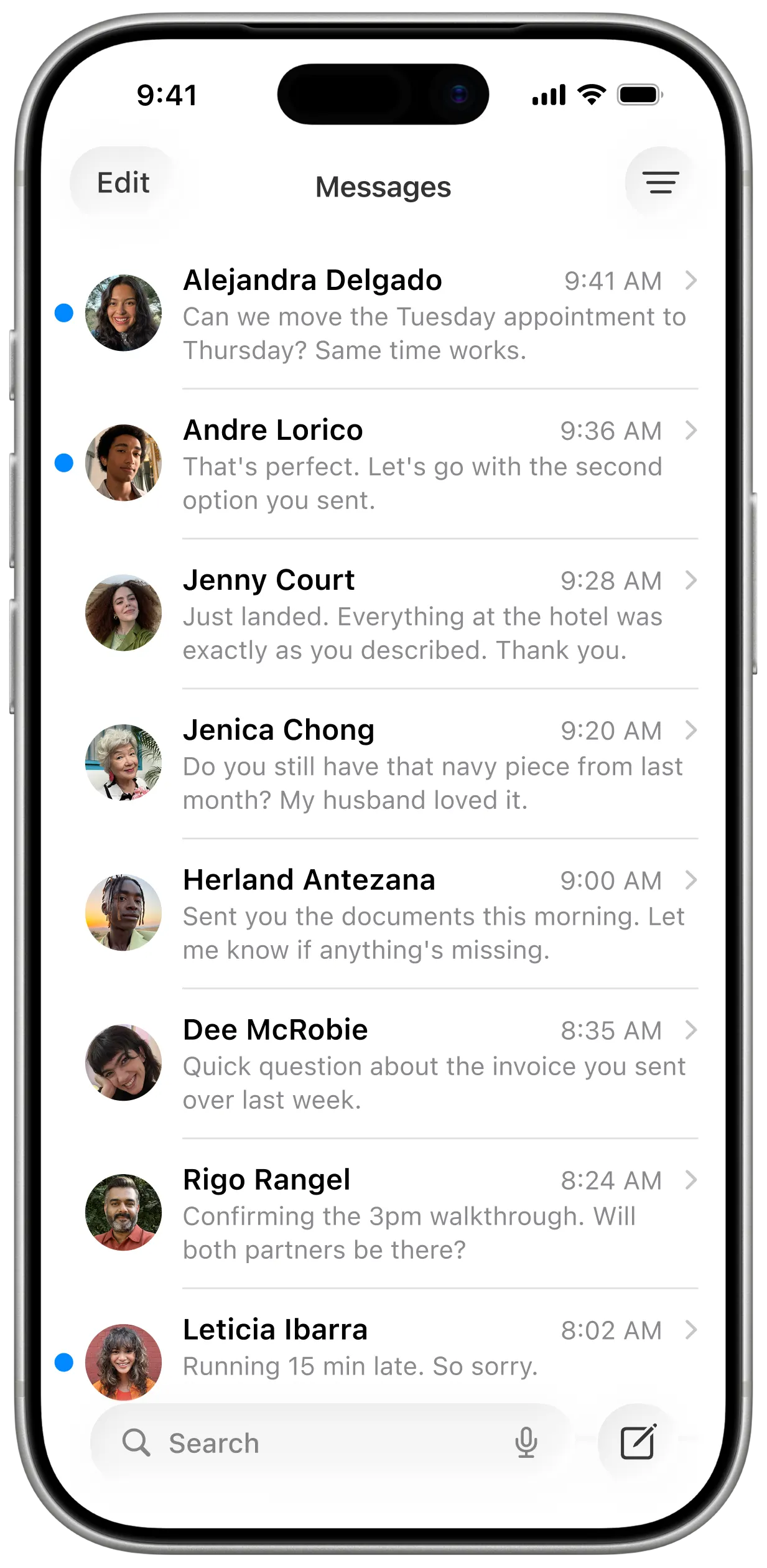
Send, receive, and manage trustediMessagesiMessagesbubble tipfromone dashboard.

Give your team shared access to client conversations, while messages still come from your real phone number. You keep ownership, visibility, and trust.

desktop monitordesktop monitor
How it works

Teams can scale, iMessageiMessagebubble tipcommunication withoutlosing trust.

1Install

Set up Coup on your Mac or Mac Mini and connect your iMessage number. Your device sends the messages, and you control when it’s active.

2Connect

Invite your team and connect workflows. Everyone shares the same inbox, tags, and context—without losing your personal number.

3Manage

Send, receive, and automate iMessages from one dashboard. Assign conversations, track ownership, and stay compliant as you scale.

WHO CAN USE COOP?

Built for teams that value ownership, legitimacy, andtransparencytransparencybubble tip

Wellness practices illustration
Coop for

Wellness Practices

Keep patients informed, confirm appointments, and answer quick questions without juggling staff phones.

Service businesses illustration
Coop for

Service Businesses

Coordinate schedules, respond to clients, and manage updates without using personal phones.

Real estate agents illustration
Coop for

Real Estate Agents

Update clients, manage showings, and coordinate next steps without losing personal trust.

Agencies illustration
Coop for

Agencies

Manage client communications, share updates, and keep teams aligned without mixing personal and work.

Recruiters illustration
Coop for

Recruiters

Reach out to candidates, schedule interviews, and maintain relationships without compromising personal numbers.

LET MESSAGES FLY WITH COOP

Coop makes sending andmanaging iMessagessimple and personalpersonalbubble tip

bird

Trust

bird

Transparency

bird

Automation

Your Number, Not a Rented One

Your Number, Not a Rented One

Messages come from your real iMessage number. People know it's you.

Simple API for AI Agents & Workflows

Simple API for AI Agents & Workflows

Send messages, read conversations, and connect to your tools with minimal setup.

Transparent by Design

Transparent by Design

We explain exactly how Coop works. No hidden systems or vague claims.

Runs on your Mac for Maximum Trust

Runs on your Mac for Maximum Trust

Coop runs on your Mac or Mac Mini. You decide when it's on and what it sends.

Safe, Seamless Assistant Access

Safe, Seamless Assistant Access

Let your team reply from your number without sharing your phone or Apple ID.

Built for Warm Conversations Only

Built for Warm Conversations Only

Coop is for people you already know. Not cold outreach or spam.

Coop is for scaling businesses that:

  • Rely on iMessage to communicate with real clients, patients, or candidates
  • Want their team to support conversations without sharing personal phones
  • Care about trust, legitimacy, and long-term relationships
  • Need shared visibility and accountability across their team
  • Believe personal communication should stay personal, not automated or spammy

Coop is not for businesses that:

  • Need mass marketing or promotional texting tools
  • Send cold outreach, bulk blasts, or unsolicited messages
  • Want to rent phone numbers or mask where messages come from
  • Prioritize volume over relationships and trust
  • Are looking to bypass platform rules or push spam at scale
Pricing

Transparent cost for instantvaluevaluebubble tip

When your team communicates from a trusted iMessage number, responses go up, friction goes down, and work moves faster. That’s the return.

Hardware & Setup

  • Runs on your Mac or Mac Mini
  • Your device becomes the relay
  • Your number stays yours
  • Get setup support & guidance

Team & Assistant Access

  • Assistant access is included
  • AI workflow can be added to match how your team actually works
  • Shared web dashboard for your team
  • Control over who can access conversations

Why teams choose Coop?

  • No per-message fees
  • No shared numbers
  • Your conversations don’t run through shared phone farms
  • Clear ownership and accountability
  • More trust from the people they communicate with
TESTIMONIALS

Here's what our usersusersbubble tip are loving

"Coop lets our support team stay in touch with every patient instantly—from our real phone numbers."

Ava Martin

Healthcare Operations Lead

Ava Martin
FREQUENTLY ASKED QUESTIONS

We have the answersanswersbubble tip you need

Coop runs directly on your Mac/iPhone, uses your real phone number, and keeps every message secure and accountable with your team.
You can message contacts you already know. Coop is intentionally priced for trusted conversations, not mass marketing.
No. Coop works with your existing Mac and phone number. Your device becomes the relay without extra rentals.
Yes. Add assistants to your dashboard, assign conversations, and keep ownership clear while staying compliant.
Coop relies on your device and phone number, so it respects Apple’s rules and keeps full transparency about what is sent.
Absolutely. Coop offers API keys and webhooks so you can plug it into your CRM or AI workflows.
Messages stay on your devices; Coop only passes metadata to the dashboard. Everything is encrypted in transit and at rest.